

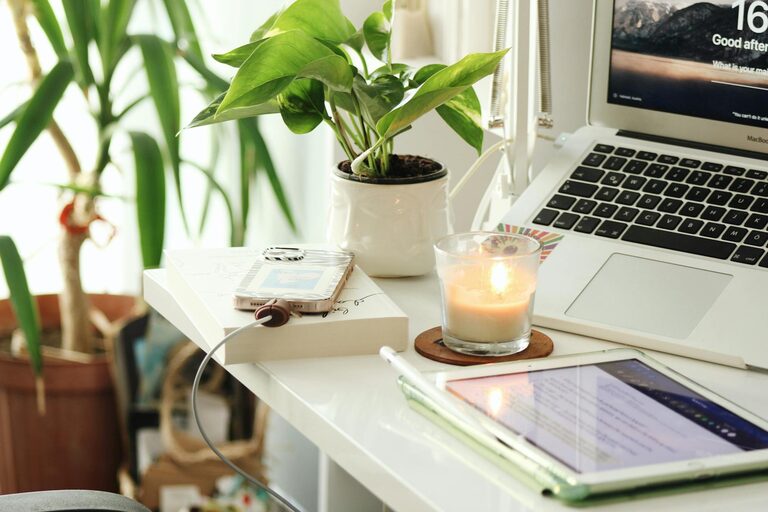
Setting up a home office that feels cozy yet keeps you productive can greatly improve your work-from-home experience. Whether you are working remotely full-time or need a dedicated space for occasional tasks, designing an environment that balances comfort with functionality is key. In this post, we’ll explore practical tips on creating a home office that inspires focus and makes your workday enjoyable.
Choose the Right Location
Finding the best spot for your home office is the foundation of a productive space. Here are some tips:
– Find a quiet area: Choose a location away from household traffic and noise to minimize distractions.
– Natural light: Position your desk near a window if possible. Natural light boosts mood and energy.
– Space considerations: Ensure there’s enough room for your desk, chair, and any storage you need without feeling cramped.
Invest in Ergonomic Furniture
Comfort is essential to maintaining productivity, especially during long work hours.
– Supportive chair: Select an ergonomic chair that supports your back and promotes good posture.
– Desk height: Your desk should allow you to keep your arms bent comfortably at about a 90-degree angle.
– Adjustable furniture: Consider standing desks or adjustable desks that allow you to shift between sitting and standing during the day.
Organize Your Workspace Efficiently
A tidy workspace can help you stay focused and reduce stress.
– Declutter regularly: Keep only the necessary items on your desk to avoid distractions.
– Storage solutions: Use shelves, drawers, or baskets to keep papers and supplies organized.
– Cable management: Use clips or sleeves to manage cords and keep your desk neat.
Personalize Your Space with Cozy Touches
Adding personal elements makes your home office inviting and encourages you to spend time there.
– Soft textures: Incorporate a plush rug, cushions, or a cozy blanket to add warmth.
– Plants: Indoor plants can brighten the space and improve air quality.
– Artwork and décor: Display pictures, posters, or items that inspire you without overcrowding the room.
Optimize Lighting for Comfort and Focus
Good lighting reduces eye strain and enhances productivity.
– Layered lighting: Combine natural light with ambient and task lighting.
– Desk lamps: Use adjustable lamps with warm LED bulbs for focused work.
– Avoid glare: Position screens and lights to reduce reflections on monitors.
Minimize Distractions
Creating boundaries helps you concentrate and maintain a work mindset.
– Noise control: Use noise-cancelling headphones or white noise machines if needed.
– Dedicated work hours: Set clear start and end times to avoid work spilling into personal time.
– Separate workspace: If possible, choose a space used only for work to establish mental separation.
Incorporate Technology and Connectivity
Reliable tech is vital for smooth workdays.
– High-speed internet: Ensure your connection is strong and stable.
– Quality peripherals: Invest in a comfortable keyboard, mouse, and monitor.
– Backup power: Use surge protectors or uninterruptible power supplies to protect devices.
Maintain Balance with Break Areas
Taking breaks is important to avoid burnout.
– Nearby seating: Include a comfortable chair or small couch to relax during downtime.
– Refreshments: Keep water or a small coffee station nearby to stay refreshed.
– Stretch space: Leave room for light stretching or movement exercises to stay energized.
Final Thoughts
Designing a cozy and productive home office doesn’t require a big budget or complicated plans. Focus on comfort, organization, and personalization to create a space that motivates you and makes working from home enjoyable. With these tips, you can build a workspace that supports both your well-being and professional goals.